The console, up close
Your guide, matched and organized on the web — and every TV you pair, in one place.
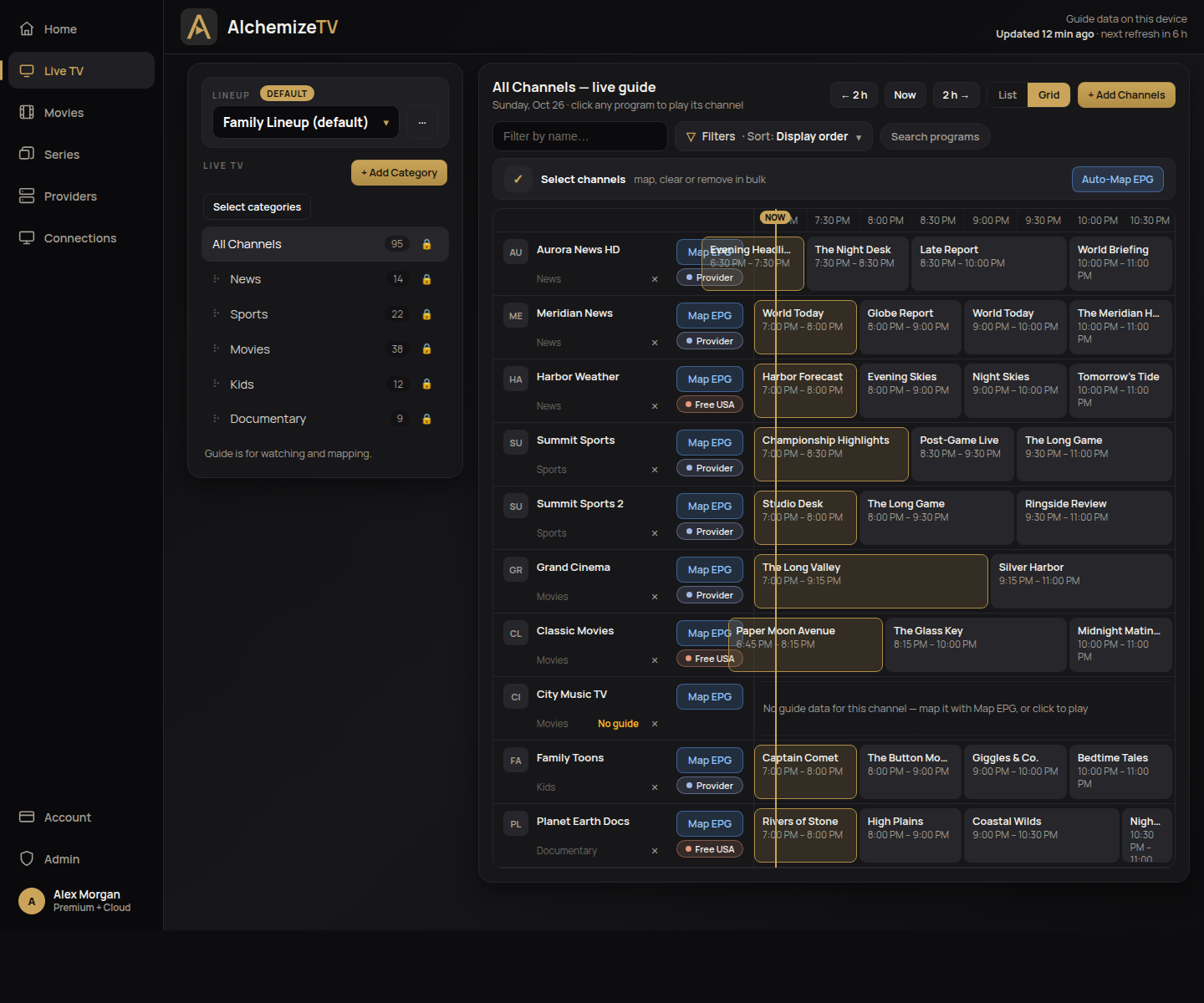
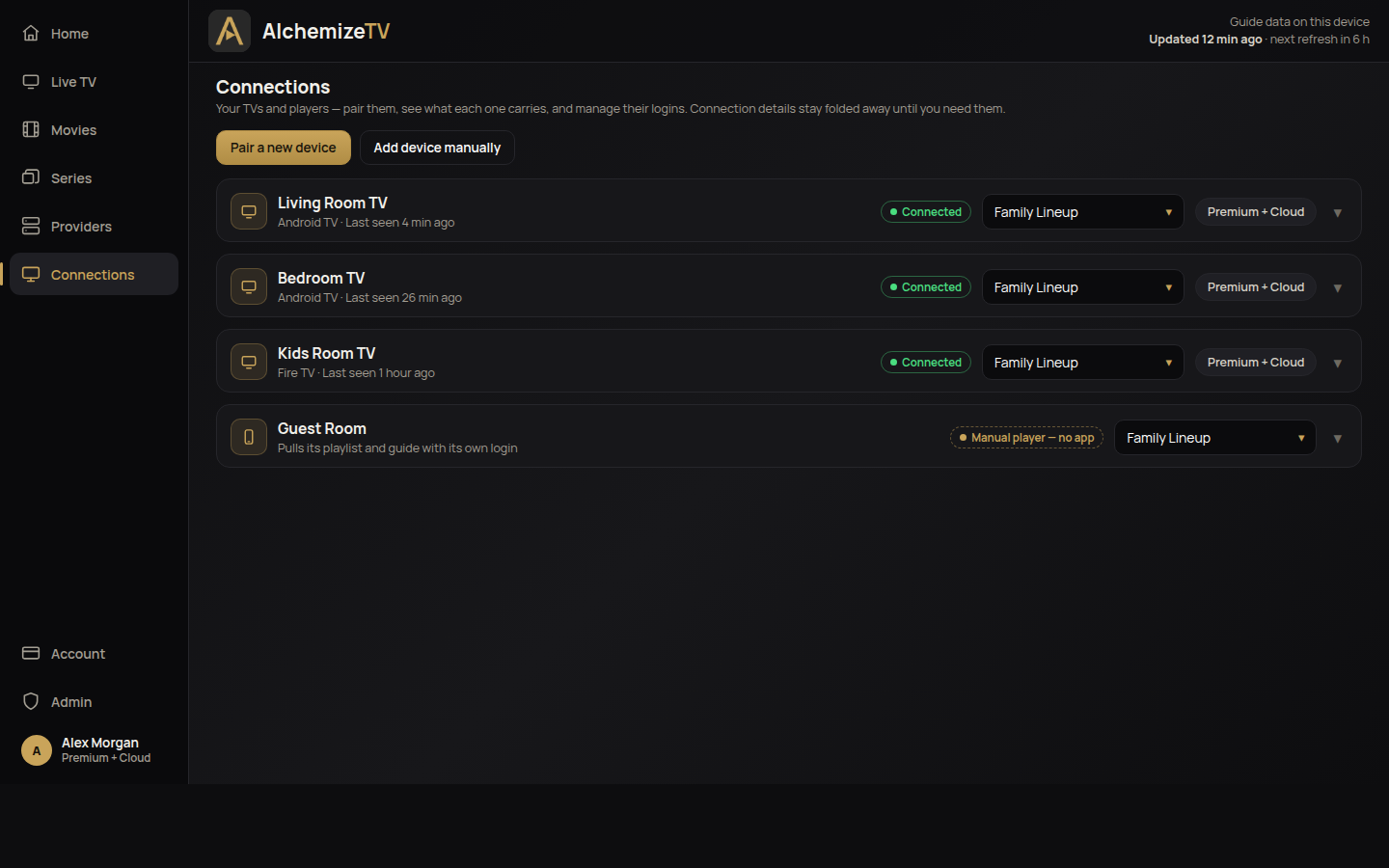
Manage your Xtream Codes IPTV with a powerful web interface and instant Android TV setup. Organize live TV channels, movies and series, add custom EPG sources, auto-map program guides, and deploy to your Android TV devices with a simple QR code scan.
One web interface to organize your provider’s content and send it to every screen in the house.
Organize live TV, movies, and series with drag-and-drop. Create custom categories and arrange your content exactly how you want it.
Add multiple EPG sources, auto-map channels, compare program guides side-by-side, and generate optimized filtered guide data for better performance.
Pair in seconds: the TV shows a code, you approve it, and the device configures itself. Every TV gets its own credentials — revoke one device without touching the others.
Build a lineup once, assign it to any device. Each TV, and each family member, sees exactly the channels and categories you chose.
Any Xtream Codes compatible player works with AlchemizeTV — our Android TV player, TiviMate, or your own favorite.
Your provider credentials are encrypted and never shared. Streams play directly from your provider to your device — they are never routed through our servers.
Organize everything on the web, then pair each TV in seconds.
Register and connect your Xtream Codes provider
Organize channels, movies, and series into lineups
Add EPG sources and auto-map the guide
Assign a lineup to each device
Install AlchemizeTV on your Android TV
The TV shows a pairing code and QR code
Approve the device from your account
The TV configures itself and starts streaming
Your guide, matched and organized on the web — and every TV you pair, in one place.
Everything under Available Now is live in the beta today.
Signup is open but capped — when the spots fill, registration closes until more open. Create your account, verify your email, and your free month of Premium + Cloud starts right away.
Already have access? Log in